



Your Go-To AI Error Message Checklist – AI Troubleshooting Guide, Debugging Workflow, Developer & Creator Digital Download


Stop Guessing. Start Fixing AI Errors Faster.
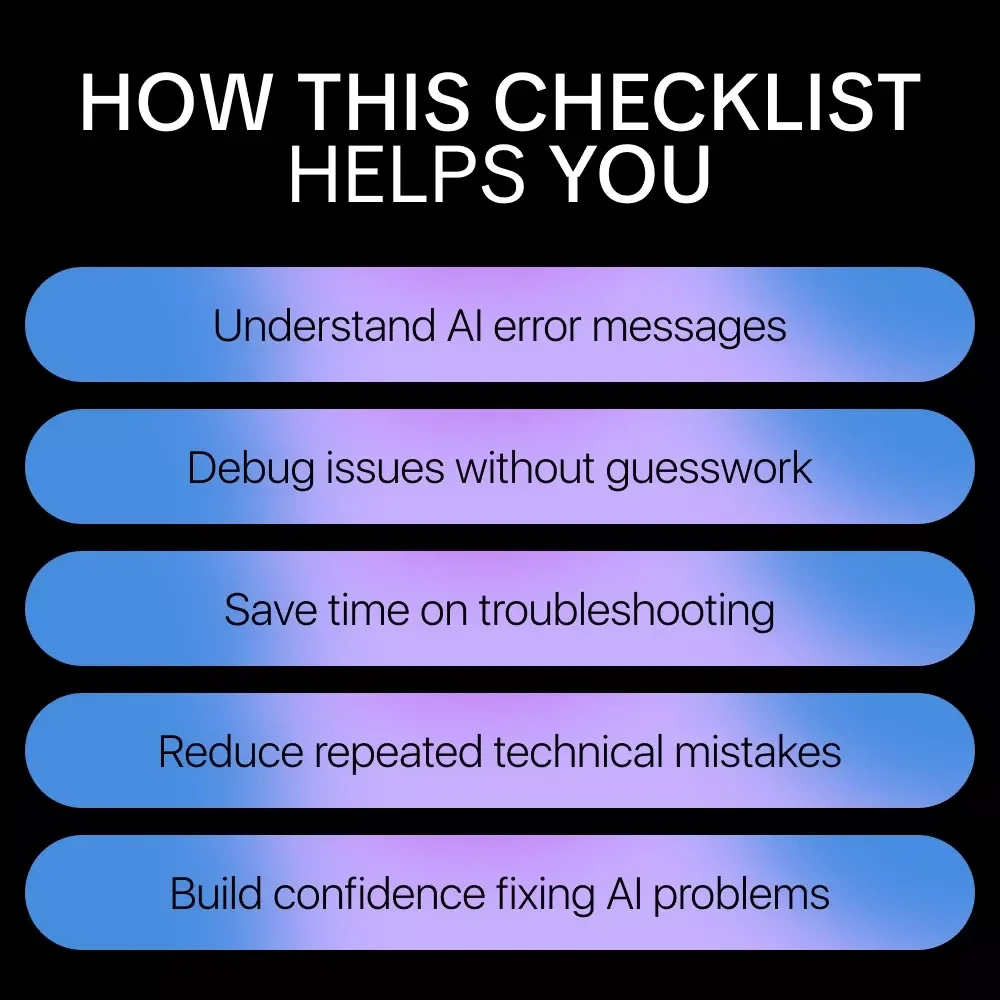
If AI error messages slow you down, confuse you, or derail your workflow, this digital download was made for you. Your Go-To AI Error Message Checklist is a practical, step-by-step troubleshooting guide designed to help you quickly understand, isolate, and resolve common AI and API errors without frustration. Instead of bouncing between documentation, forums, and guesswork, you’ll have a clear, repeatable system you can use every time something breaks. Whether you’re working with models, APIs, datasets, or automations, this checklist turns cryptic messages into actionable solutions.What’s Inside This Digital Checklist
- Identify the Error Type: Look closely at the message—does it mention syntax, network, permissions, or data issues? Pinpointing the category speeds up the fix.
- Read the Message Carefully: Don’t skim. Error messages often contain the exact line, function, or parameter causing the problem. Highlight keywords.
- Check Input Data: Ensure all data is correctly formatted, within expected ranges, and free from missing values or unexpected types.
- Verify API or Model Version: Confirm you’re using the correct AI model or API version. Mismatched versions can trigger cryptic errors.
- Review Recent Changes: Trace back any code, configuration, or dataset updates since the last successful run—they’re usually the culprit.
- Search for Similar Cases: Look up the exact error message online or in documentation. Chances are, someone else has faced it.
- Test in Isolation: Run the smallest possible snippet that triggers the error. Isolating the problem clarifies whether it’s a code, data, or system issue.
- Check System Resources: Ensure memory, CPU, or GPU limits aren’t being exceeded, as resource overload can cause unexpected failures.
- Review Permissions and Access: Confirm the AI service, files, or databases you’re using are accessible with the right credentials.
- Log and Document Findings: Note what you tried and what changed. Clear logs make troubleshooting faster and prevent repeating mistakes.
- Retry with Caution: Sometimes transient network or service issues cause errors. Retry after a short pause, but avoid blindly repeating the same steps.
- Ask for Help Strategically: If stuck, share the exact error, context, and your troubleshooting steps in forums or with colleagues. Clear info gets faster, more precise solutions.
- Learn and Prevent: Once fixed, annotate your code or processes to prevent the same error from recurring, turning a problem into long-term knowledge.
Who This Is For & Why It’s Different
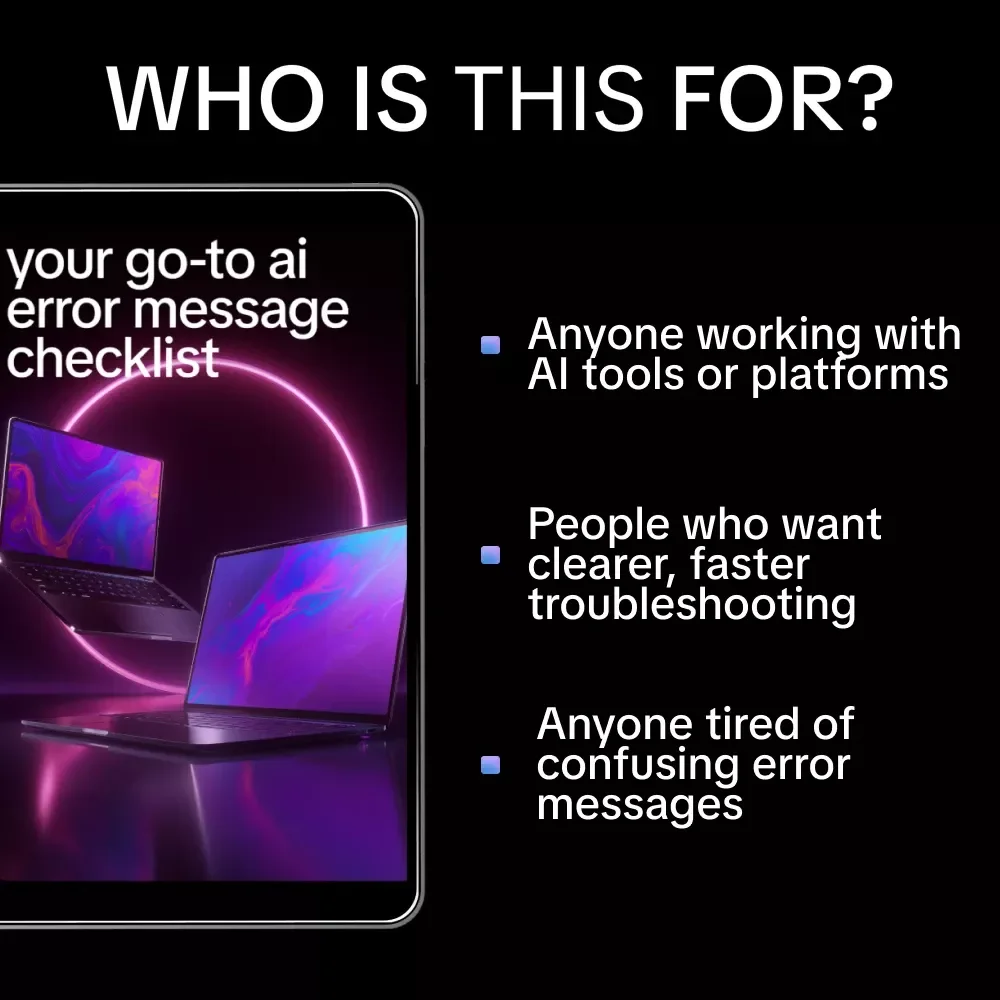
This checklist is ideal for developers, AI builders, no-code creators, product teams, and anyone working with AI tools who wants faster fixes and fewer headaches. Unlike generic guides, this resource is concise, actionable, and designed for real-world troubleshooting—not theory. You can use it repeatedly, regardless of platform or model. Download Your Go-To AI Error Message Checklist today and turn every AI error into a confident, repeatable solution. Fewer delays. Clearer fixes. Better results—starting now.Questions, answered
Instant Delivery
Upon purchase, you get immediate access via your personal account and a confirmation email.
Returns & Refunds
Refunds are handled under the store's Refund Policy. Within 30 days, a refund may be available if the product doesn't match its description or you can't access it. Once the files have been accessed, refunds for a change of mind aren't available.
Lifetime Updates
Your purchase includes access to all future updates at no additional charge.
Instant digital access on any device, with free lifetime updates.
Refunds are handled under the store's Refund Policy. Within 30 days, a refund may be available if the product doesn't match its description or you can't access it. Once the files have been accessed, refunds for a change of mind aren't available.