TikTok Tools Checklist for Online Business Beginners – Digital Download, Viral Content Guide, Social Media Starter Kit, TikTok Growth Tools for Online Business


Product Description
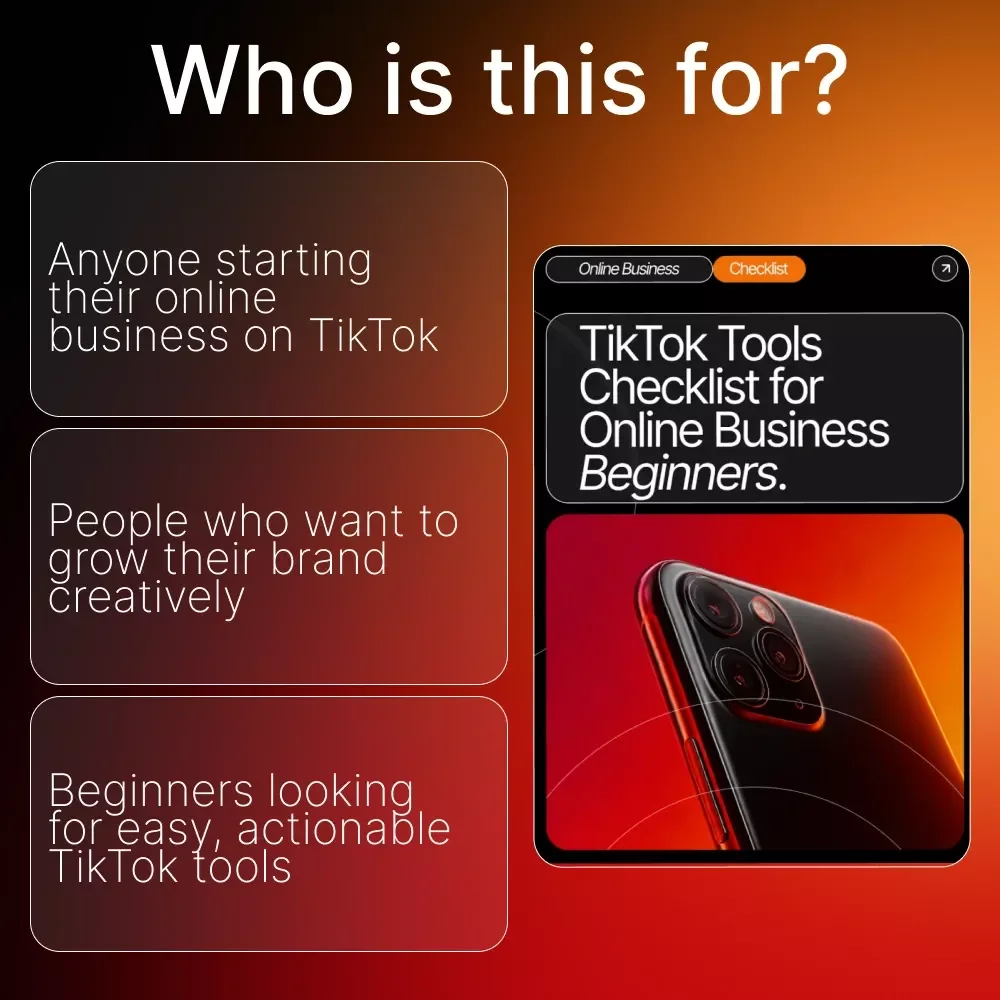
If you’re ready to grow your online business using the power of TikTok but aren’t sure where to start, the TikTok Tools Checklist for Online Business Beginners is your new go-to cheat sheet. Designed for creators, small business owners, and digital entrepreneurs, this beginner-friendly checklist helps you easily understand and select the right tools for creating content, boosting engagement, and streamlining your workflow. Whether you’re crafting your first TikTok video or planning a consistent content strategy, this guide simplifies everything so you can focus on growth—not guesswork.What’s Inside
- Content Creation Magic: Video Editing Apps – Use tools like CapCut or InShot to craft eye-catching clips that grab attention in seconds.
- Trend Tracking Tools – Explore TikTok’s Discover page or TrendTok to spot viral trends early.
- Caption Generators – Keep your captions witty and clear with tools like Canva or ChatGPT.
- Thumbnail Creators – Create scroll-stopping thumbnails to boost clicks.
- Audience & Engagement Boosters: Analytics Tools – Check TikTok Analytics to see what content performs best.
- Comment Management Tools – Use apps like Combin to track and respond to comments efficiently.
- Hashtag Research Tools – Tools like Hashtag Expert or TikBuddy can help find trending hashtags for your niche.
- Polls & Interactive Stickers – Engage your audience directly through polls, Q&As, and stickers.
- Growth & Marketing Helpers: Scheduling Tools – Apps like Later or Planoly can help you plan and post content consistently.
- Collaboration Platforms – Connect with influencers via platforms like Upfluence to expand reach.
- Ad Creators – TikTok Ads Manager or Canva can help design small, testable ad campaigns.
- Landing Page Builders – Tools like Linktree or Beacons make it easy to drive traffic to your online store.
- AI Tools for Any Situation: Content Ideas – Use AI to brainstorm viral video concepts in your niche.
- Script Writing – AI can draft engaging scripts for TikTok videos, captions, or ads.
- Data Insights – Analyze trends, hashtags, and audience behavior with AI-powered analytics.
- Design Assistance – AI tools can help you create graphics, thumbnails, or short animations quickly.
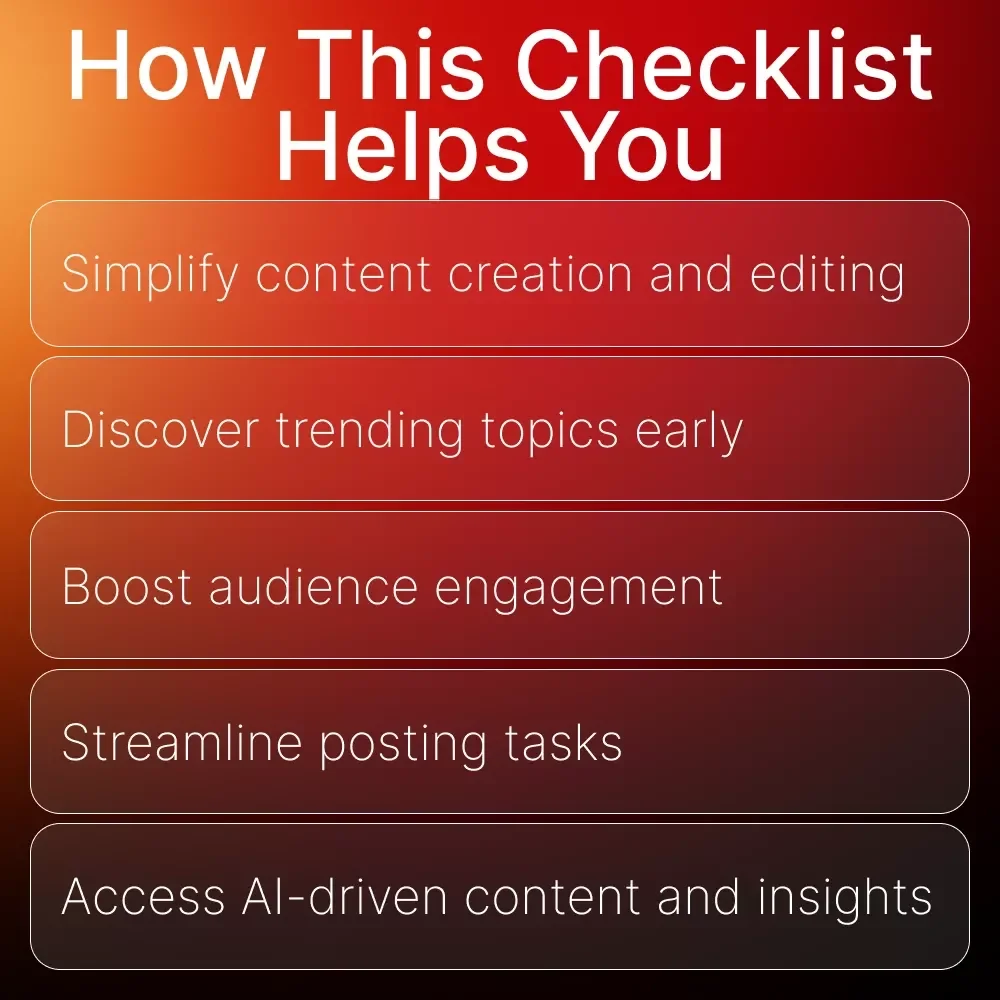
Benefits
- Perfect for beginners who want clarity and structure while growing their TikTok presence.
- Saves hours of research by gathering the most effective tools in one simple, organized checklist.
- Helps you create high-quality, engaging content even if you have zero editing or marketing experience.
- Makes planning, posting, and tracking performance easier with clear tool suggestions for every need.
- Gives you confidence to test trends, collaborate, and promote your brand like a seasoned creator.
Why This Checklist Stands Out
Unlike generic TikTok guides, this checklist is crafted specifically for online business beginners who need practical, plug-and-play solutions. It includes real tools you can start using immediately, organized by purpose so you never feel overwhelmed. Every section is intentionally designed to help you move from confusion to confident content creation.Ready to Grow?
Download the TikTok Tools Checklist for Online Business Beginners today and start building a TikTok presence that attracts customers, boosts engagement, and grows your brand with ease!Questions, answered
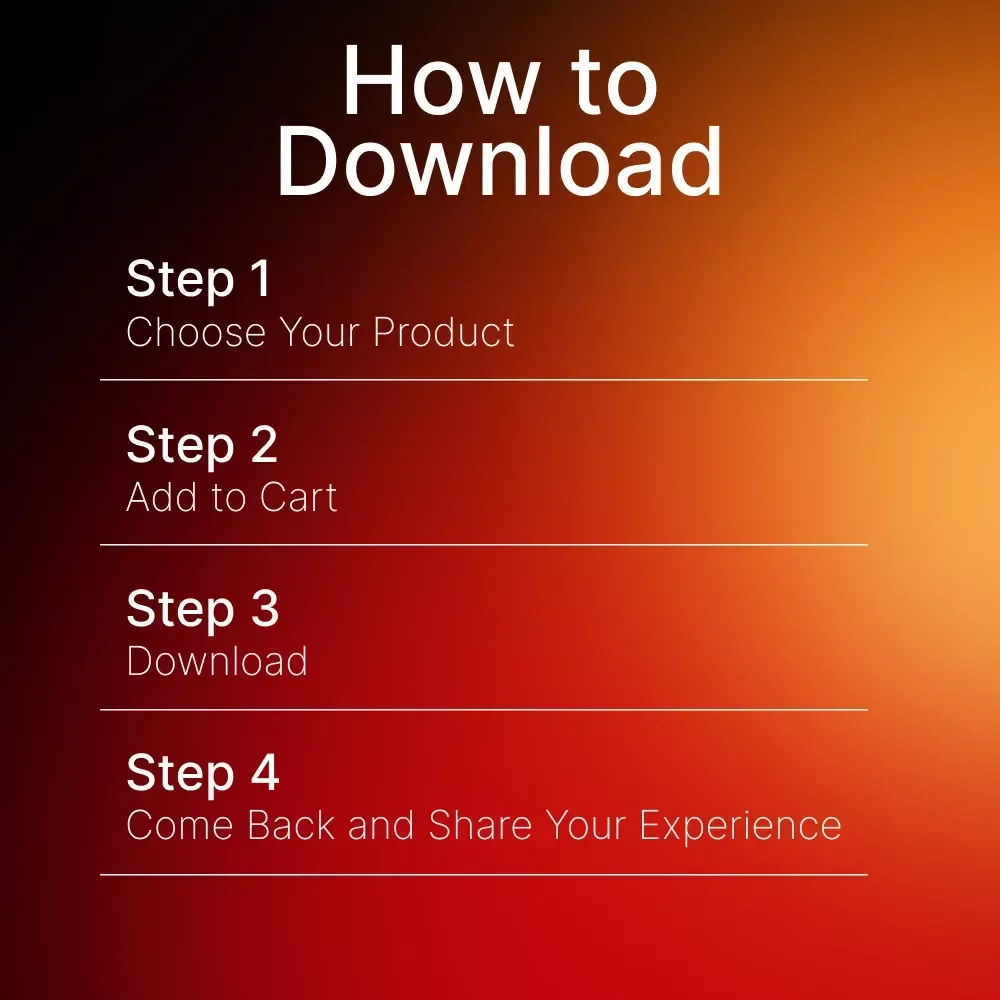
Instant Delivery
Upon purchase, you get immediate access via your personal account and a confirmation email.
Returns & Refunds
Refunds are handled under the store's Refund Policy. Within 30 days, a refund may be available if the product doesn't match its description or you can't access it. Once the files have been accessed, refunds for a change of mind aren't available.
Lifetime Updates
Your purchase includes access to all future updates at no additional charge.
Instant digital access on any device, with free lifetime updates.
Refunds are handled under the store's Refund Policy. Within 30 days, a refund may be available if the product doesn't match its description or you can't access it. Once the files have been accessed, refunds for a change of mind aren't available.