

The Quick & Clever Budget Builder Checklist | How to Create a Budget in QuickBooks Online | Digital Download for Entrepreneurs




Take Control of Your Finances with Confidence
If you've ever stared at your QuickBooks Online screen wondering how to create a budget that actually works—this is for you. The Quick & Clever Budget Builder Checklist is your streamlined, step-by-step guide to building a clear, powerful budget inside QuickBooks Online, even if you’re not a numbers person. This easy-to-use digital download turns the overwhelm of budgeting into a satisfying, empowering process. Whether you’re a solopreneur, small business owner, or side hustler, this checklist helps you prep, plan, and power through your financial goals with confidence.What’s Inside the Quick & Clever Budget Builder Checklist?
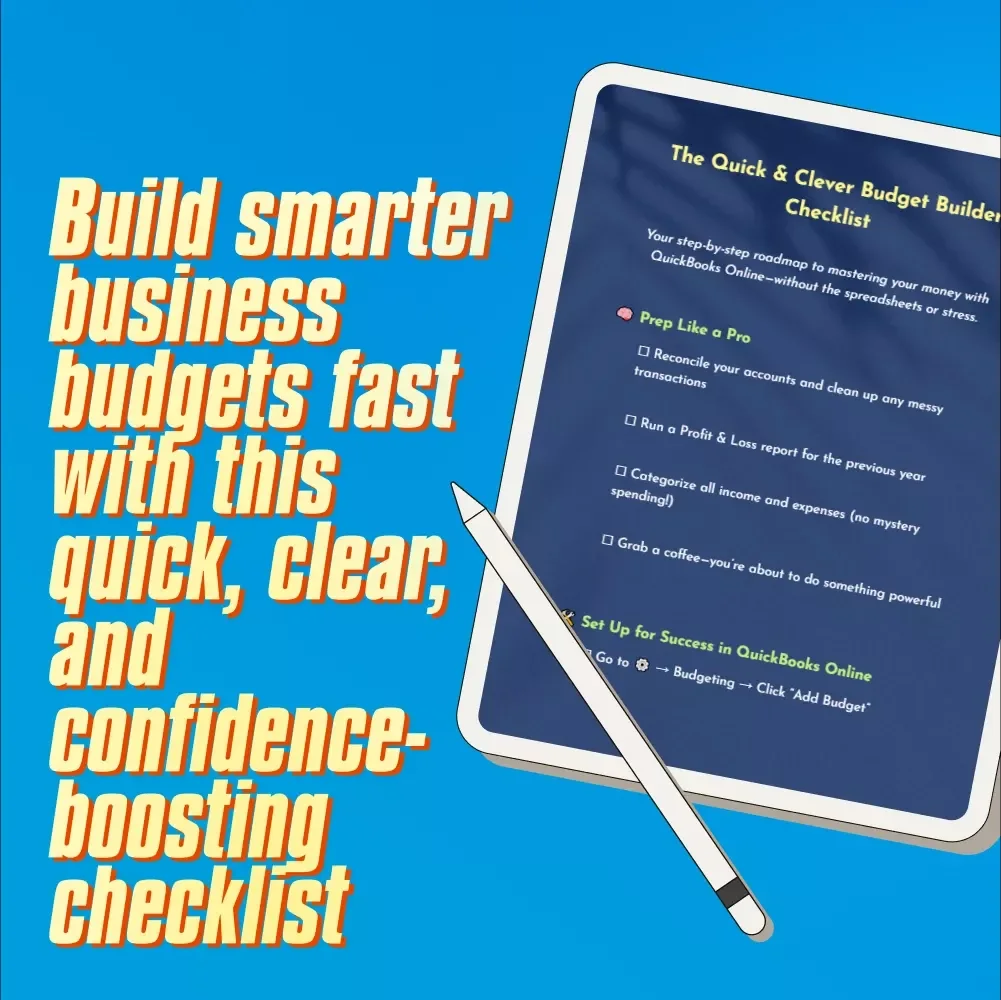
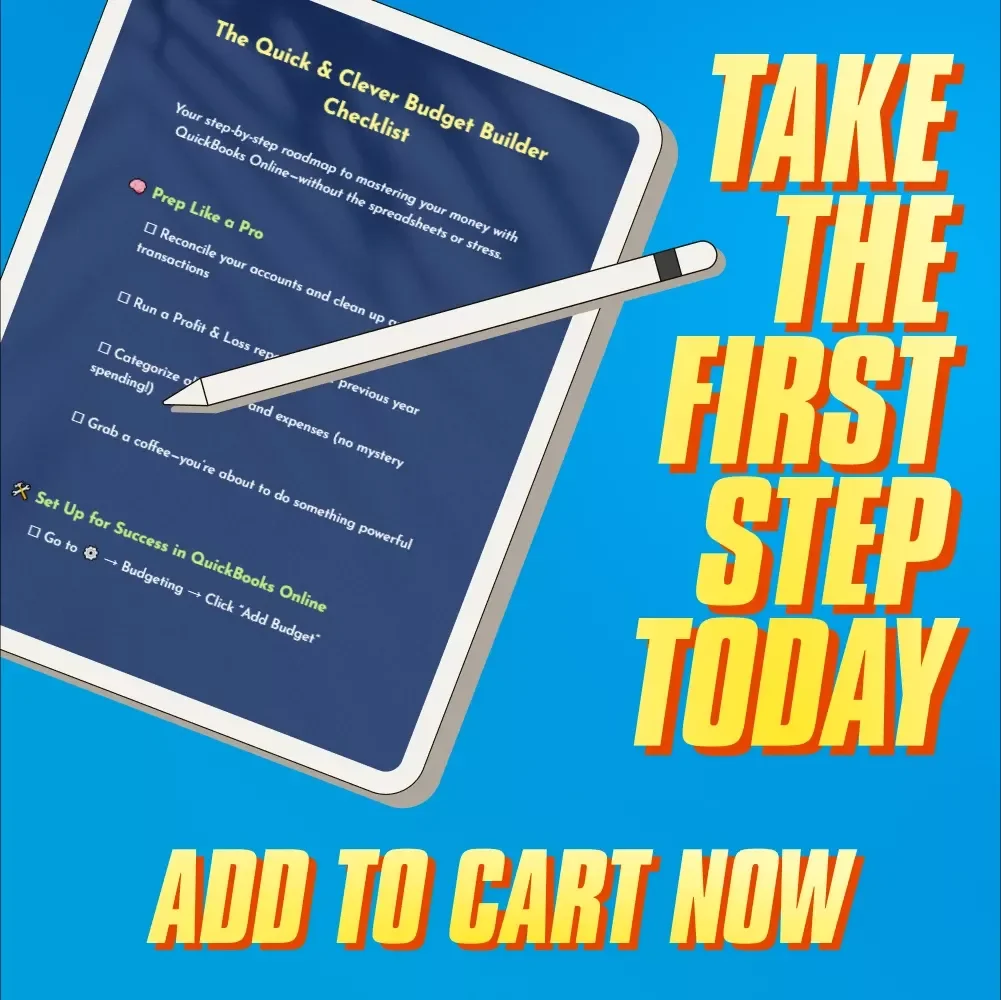
- 🧠 Prep Like a Pro: Clean up your finances, categorize expenses, and run essential reports
- 🛠️ Set Up for Success in QuickBooks Online: Navigate the Budgeting tool, choose the right settings, and lay the groundwork
- 🎯 Build Your Budget Like a Boss: Input revenue and expenses, customize with Class, Location, or Project tracking, and finalize with confidence
- 📊 Review, Refine, Repeat: Use the “Budget vs. Actual” report, spot trends, and schedule smart monthly check-ins
Why You’ll Love It
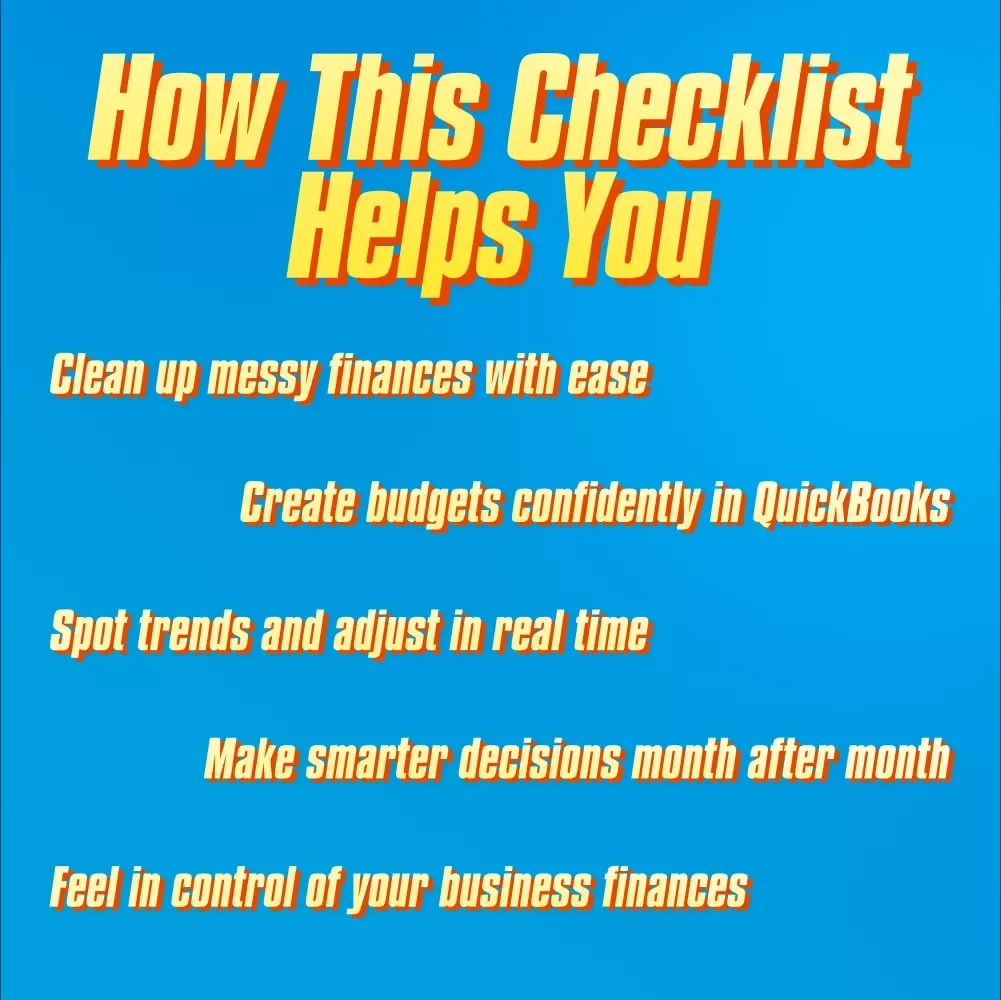
- Step-by-step guidance that removes the guesswork from budgeting in QuickBooks Online
- Clarity and control over your finances without spreadsheets or confusing jargon
- Quick to use—perfect for busy entrepreneurs who want results fast
- Motivating and practical so you feel good about your money, not overwhelmed
- Created specifically for people who want to know how to create a budget in QuickBooks Online
Perfect For:
- Service-based business owners, freelancers, and solo entrepreneurs
- Anyone using QuickBooks Online who needs a straightforward budgeting guide
- People tired of vague advice and ready for a clear, doable action plan
What Makes This Different?
This isn’t just another generic budgeting checklist. It’s tailored specifically for those using QuickBooks Online and searching for exactly how to create a budget in QuickBooks Online. It skips the fluff, focuses on what matters, and empowers you to actually finish what you start—with zero confusion.Ready to Build a Smarter Budget?
Download the Quick & Clever Budget Builder Checklist today and feel the relief of having a clear financial game plan. Your future self—and your bank account—will thank you.Questions, answered
Instant Delivery
Upon purchase, you get immediate access via your personal account and a confirmation email.
Returns & Refunds
Refunds are handled under the store's Refund Policy. Within 30 days, a refund may be available if the product doesn't match its description or you can't access it. Once the files have been accessed, refunds for a change of mind aren't available.
Lifetime Updates
Your purchase includes access to all future updates at no additional charge.
Instant digital access on any device, with free lifetime updates.
Refunds are handled under the store's Refund Policy. Within 30 days, a refund may be available if the product doesn't match its description or you can't access it. Once the files have been accessed, refunds for a change of mind aren't available.