
Showcase Your Skills: GitHub Portfolio Made Simple — Checklist Guide for Developers | how to use github for your tech portfolio | Tech Career Portfolio Builder


Build a GitHub Portfolio That Actually Gets Noticed
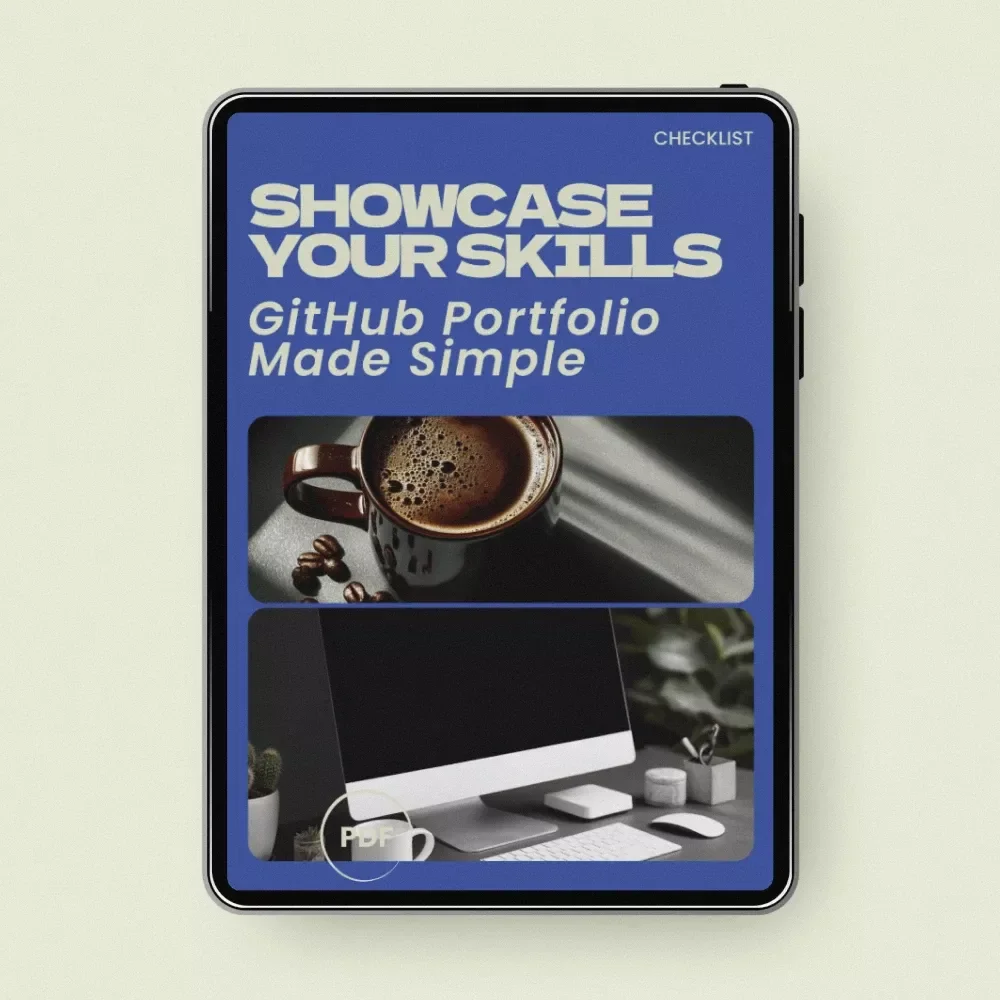
Your GitHub profile is often the first place recruiters, clients, and collaborators look when evaluating your coding skills. But many developers struggle with presenting their projects clearly and professionally. Showcase Your Skills: GitHub Portfolio Made Simple is a practical digital checklist designed to help you transform your GitHub into a polished, impressive portfolio that demonstrates your real-world abilities. Instead of vague advice, this checklist walks you step-by-step through how to use github for your tech portfolio, making it easier to organize your repositories, present projects clearly, and highlight your development process. Whether you're a student, junior developer, or experienced programmer refreshing your portfolio, this guide helps you turn your GitHub into a powerful professional asset.What You’ll Learn Inside
- How to set up a clean, professional GitHub profile
- How to organize and showcase your best repositories
- How to write clear, recruiter-friendly READMEs
- Best practices for commits, branches, and project structure
- Ways to add demos and make your projects interactive
- How to connect your GitHub with your resume, LinkedIn, and portfolio
- Bonus ideas for turning coding projects into real opportunities
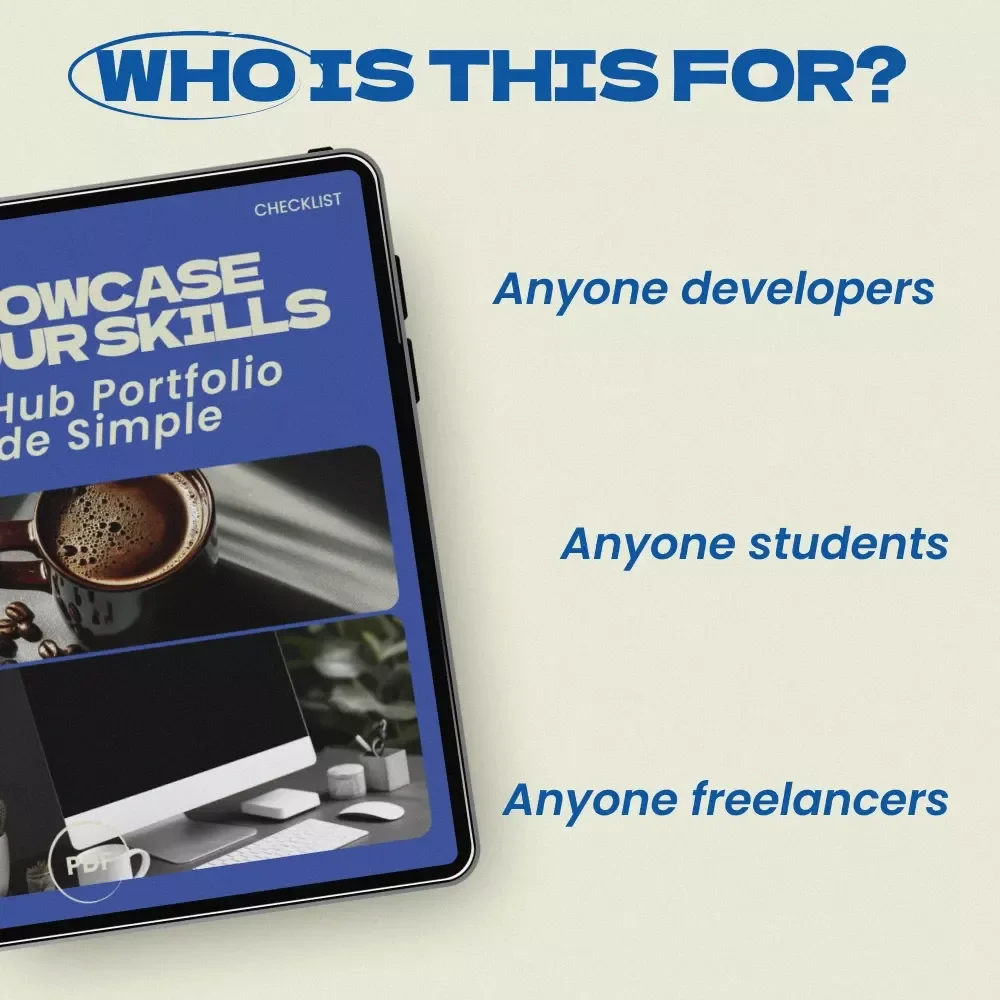
Who This Checklist Is For
- Computer science students building their first developer portfolio
- Junior developers preparing for job applications
- Self-taught programmers who want to present their projects professionally
- Freelancers who want to showcase coding work to clients
- Developers learning how to use github for your tech portfolio effectively
Why This Guide Is Different
Many resources talk about GitHub portfolios in theory. This checklist focuses on actionable steps you can complete quickly. Each section is designed so you can immediately improve your profile without spending hours researching best practices. Instead of overwhelming tutorials, you get a clear, scannable checklist that helps you:- Turn messy repositories into organized showcase projects
- Highlight your real coding habits and workflow
- Make your projects easy for recruiters and collaborators to explore
- Present your GitHub as a professional, living portfolio
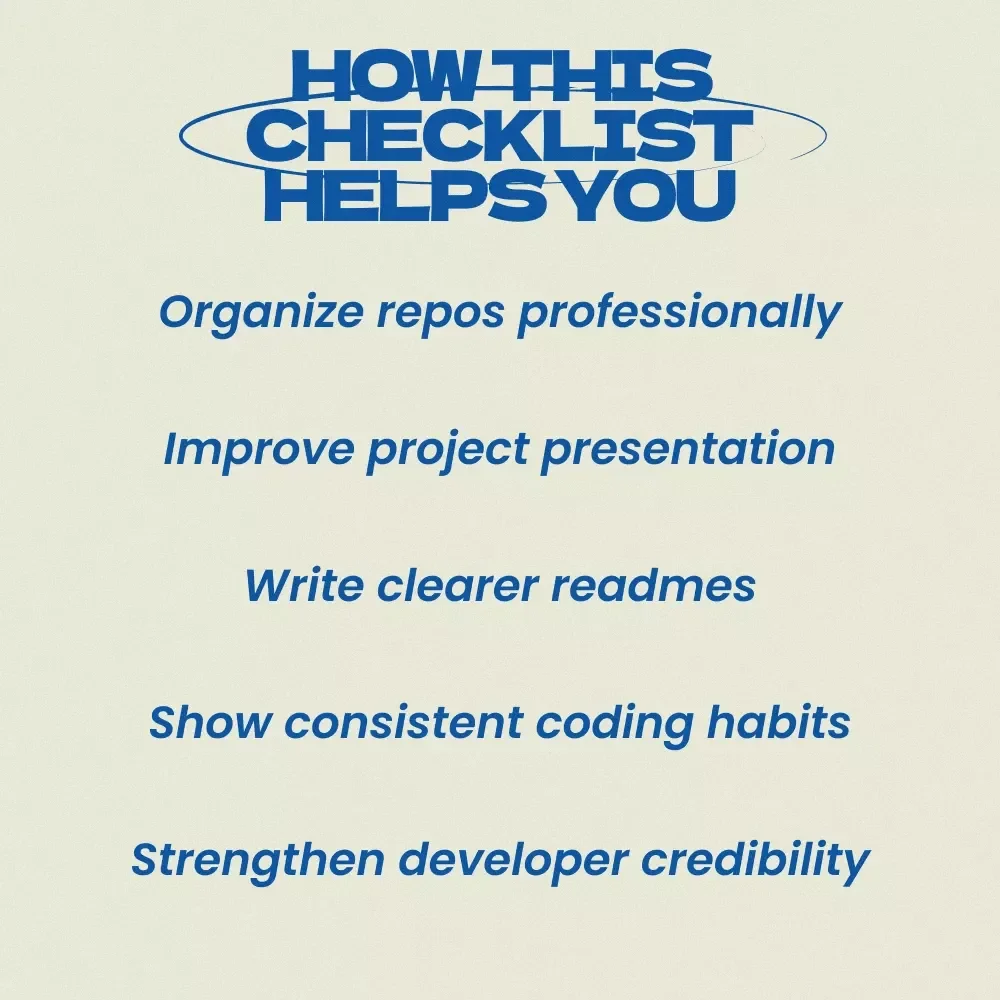
Benefits of Using This Checklist
- Build a cleaner, more professional GitHub profile
- Increase your chances of standing out to recruiters
- Showcase your coding skills with clarity and confidence
- Save time by following a proven checklist instead of guessing
- Understand exactly how to use github for your tech portfolio in a strategic way
Download and Upgrade Your GitHub Portfolio Today
Your GitHub shouldn't just store code. It should tell the story of your skills, growth, and creativity. With Showcase Your Skills: GitHub Portfolio Made Simple, you’ll have a clear checklist that guides you through building a portfolio that looks professional and communicates your value. Download your digital checklist today and start transforming your GitHub into a portfolio that opens doors to new opportunities.Questions, answered
Instant Delivery
Upon purchase, you get immediate access via your personal account and a confirmation email.
Returns & Refunds
Refunds are handled under the store's Refund Policy. Within 30 days, a refund may be available if the product doesn't match its description or you can't access it. Once the files have been accessed, refunds for a change of mind aren't available.
Lifetime Updates
Your purchase includes access to all future updates at no additional charge.
Instant digital access on any device, with free lifetime updates.
Refunds are handled under the store's Refund Policy. Within 30 days, a refund may be available if the product doesn't match its description or you can't access it. Once the files have been accessed, refunds for a change of mind aren't available.