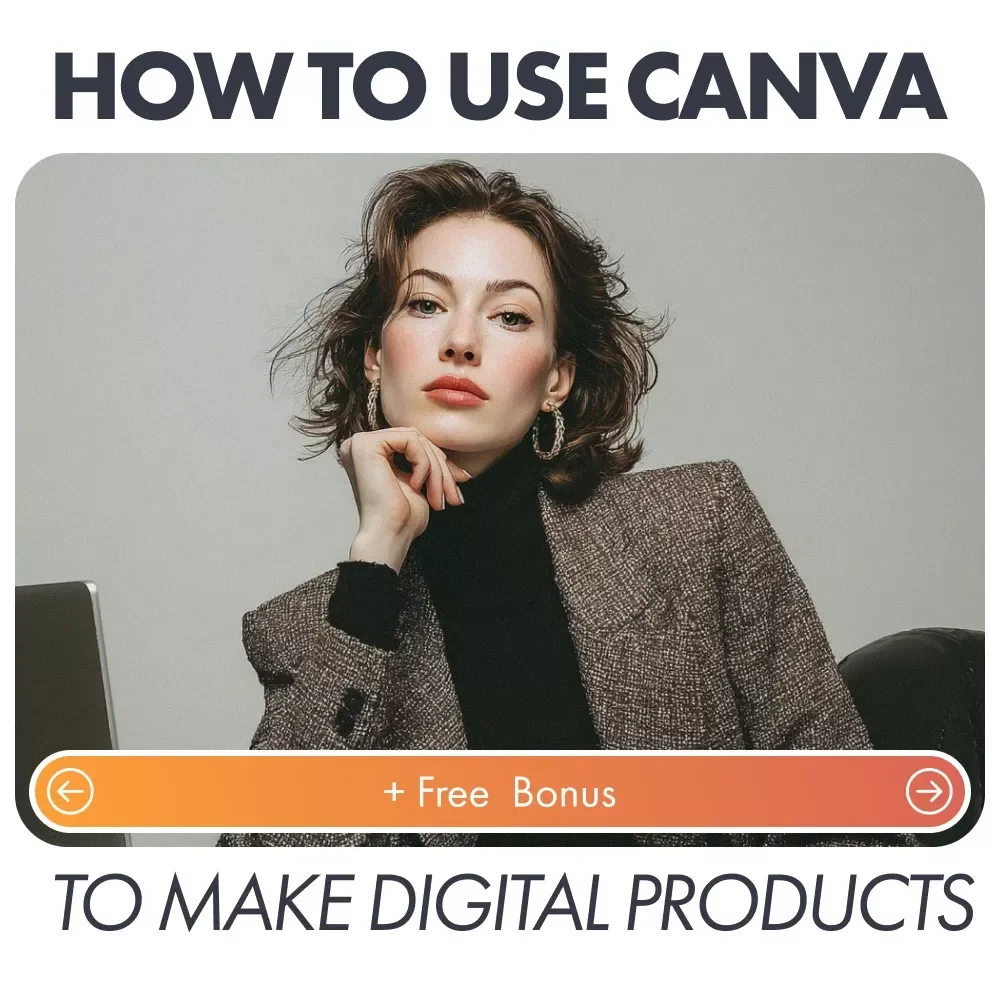
How to Use Canva to Make Digital Products Checklist: A Step-by-Step Guide for Beginners and Entrepreneurs


Product Description
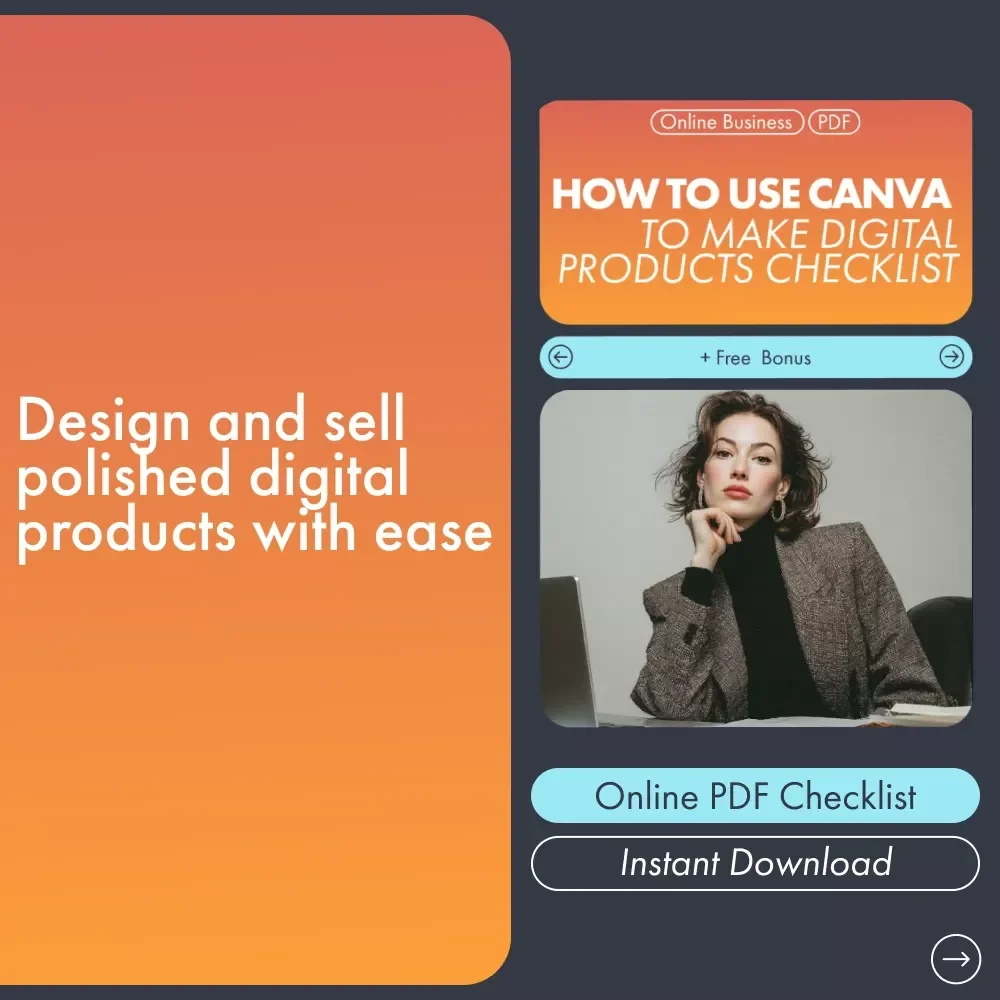
Ready to create stunning digital products but not sure where to start? With the How to Use Canva to Make Digital Products Checklist, you’ll have everything you need to confidently design, plan, and export digital items that are professional and ready to sell. Canva makes it easy, even for beginners, to craft polished, eye-catching designs that will attract customers. This checklist guides you through the entire process, from setting your product goal to finalizing your design for export. Whether you're creating eBooks, printables, or other digital products, this guide is your roadmap to success!What’s Inside?
- Set Your Product Goal: Get clear on what you want to achieve with your digital product.
- Choose the Right Canva Template: Find the perfect layout that fits your brand and content.
- Customize Your Branding: Adjust colors, fonts, and logos to create a cohesive, branded design.
- Add Content: Learn how to insert text, graphics, and icons to enhance your product's message.
- Improve Design Quality: Tips for alignment, spacing, and visual consistency.
- Create Multiple Product Pages: Plan your page sequence and maintain design consistency.
- Use Canva Tools Effectively: Master tools like background remover and color palettes.
- Export Your Product Correctly: Ensure the file is ready for download and printing.
Who is This For?
This digital checklist is perfect for entrepreneurs, small business owners, bloggers, or anyone looking to create high-quality digital products with Canva. Whether you're a complete beginner or have some experience with design, this guide will help you create products that look polished, professional, and ready for sale.Why Choose This Guide?
Unlike other generic design guides, this How to Use Canva to Make Digital Products Checklist is specifically tailored to digital product creation. It’s not just about making something look good—it’s about making sure it sells. The checklist covers everything from product planning to fine-tuning your design for the best possible outcome. It’s easy to follow, actionable, and packed with practical tips that will help you create products that your audience will love. Plus, you’ll save time and avoid common design mistakes, ensuring you create products that are both beautiful and functional.Practical Benefits
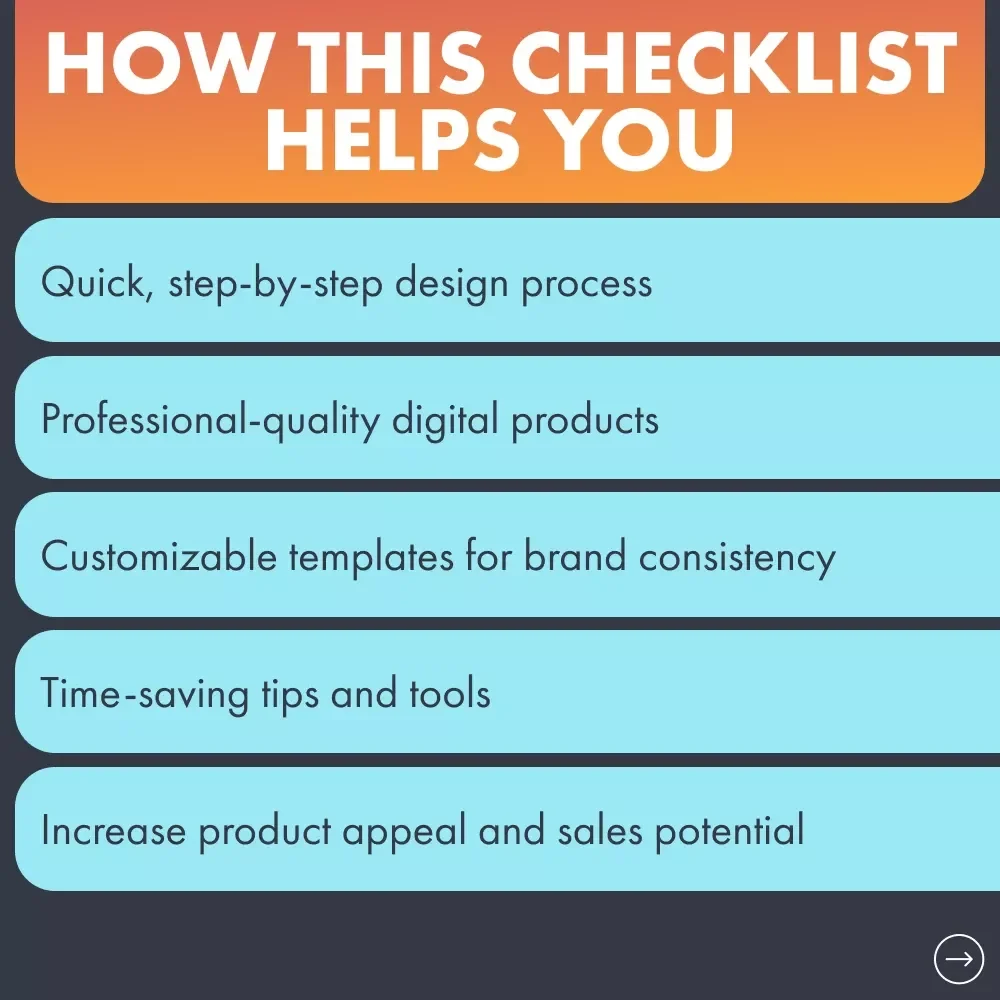
- Save Time: Avoid the overwhelm of designing from scratch—follow the simple steps to create a stunning product quickly.
- Boost Confidence: With this step-by-step checklist, you'll know exactly what to do next, ensuring your design looks professional.
- Increase Sales: Learn how to create products that not only look great but also solve problems for your audience, boosting sales potential.
- Easy to Use: The checklist is beginner-friendly, even if you’ve never used Canva before.
Ready to Get Started?
Don’t let design hold you back from creating the digital products you’ve always wanted to sell. Download the How to Use Canva to Make Digital Products Checklist today and start designing digital products that will wow your audience and boost your business!Questions, answered
Instant Delivery
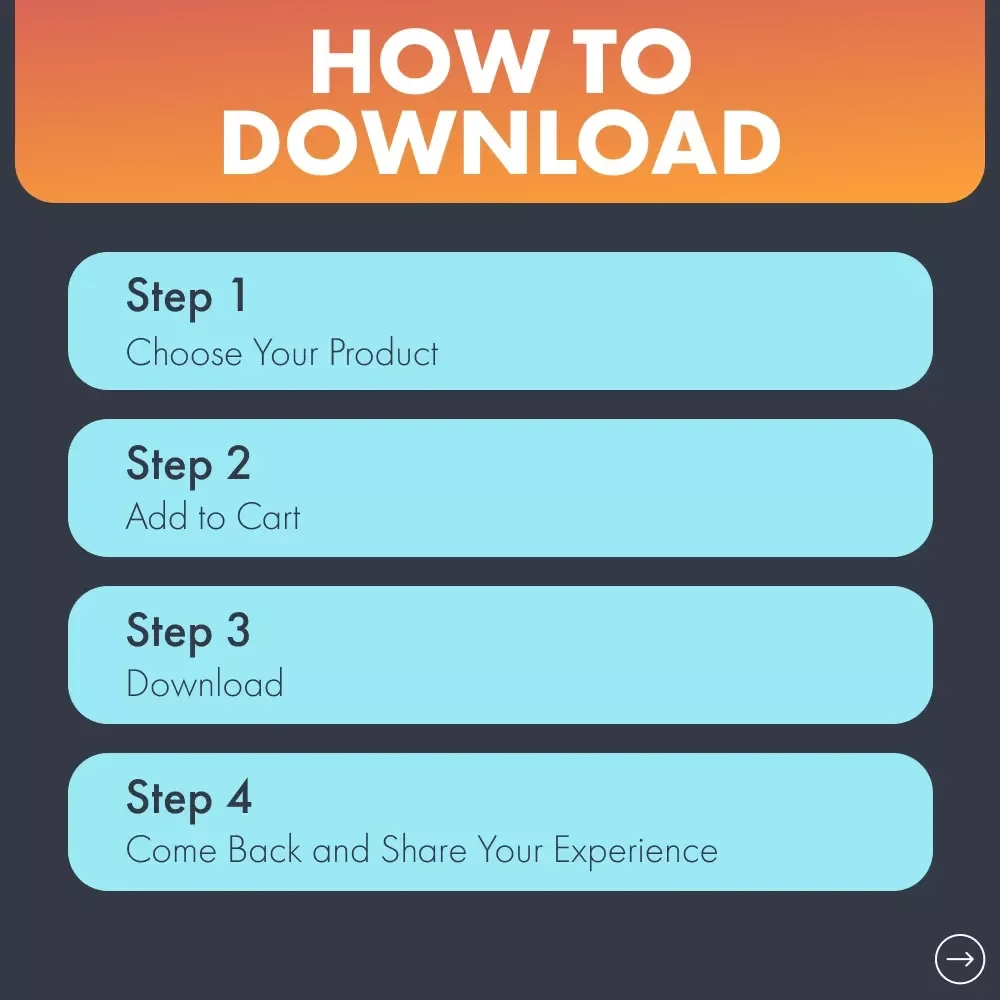
Upon purchase, you get immediate access via your personal account and a confirmation email.
Returns & Refunds
Refunds are handled under the store's Refund Policy. Within 30 days, a refund may be available if the product doesn't match its description or you can't access it. Once the files have been accessed, refunds for a change of mind aren't available.
Lifetime Updates
Your purchase includes access to all future updates at no additional charge.
Instant digital access on any device, with free lifetime updates.
Refunds are handled under the store's Refund Policy. Within 30 days, a refund may be available if the product doesn't match its description or you can't access it. Once the files have been accessed, refunds for a change of mind aren't available.