Fun & Easy Checklist to Help Elders Master Technology | Simple Digital Guide for Families & Caregivers | how to help elders to get used to gadgets


Support Older Loved Ones with Confidence and Kindness
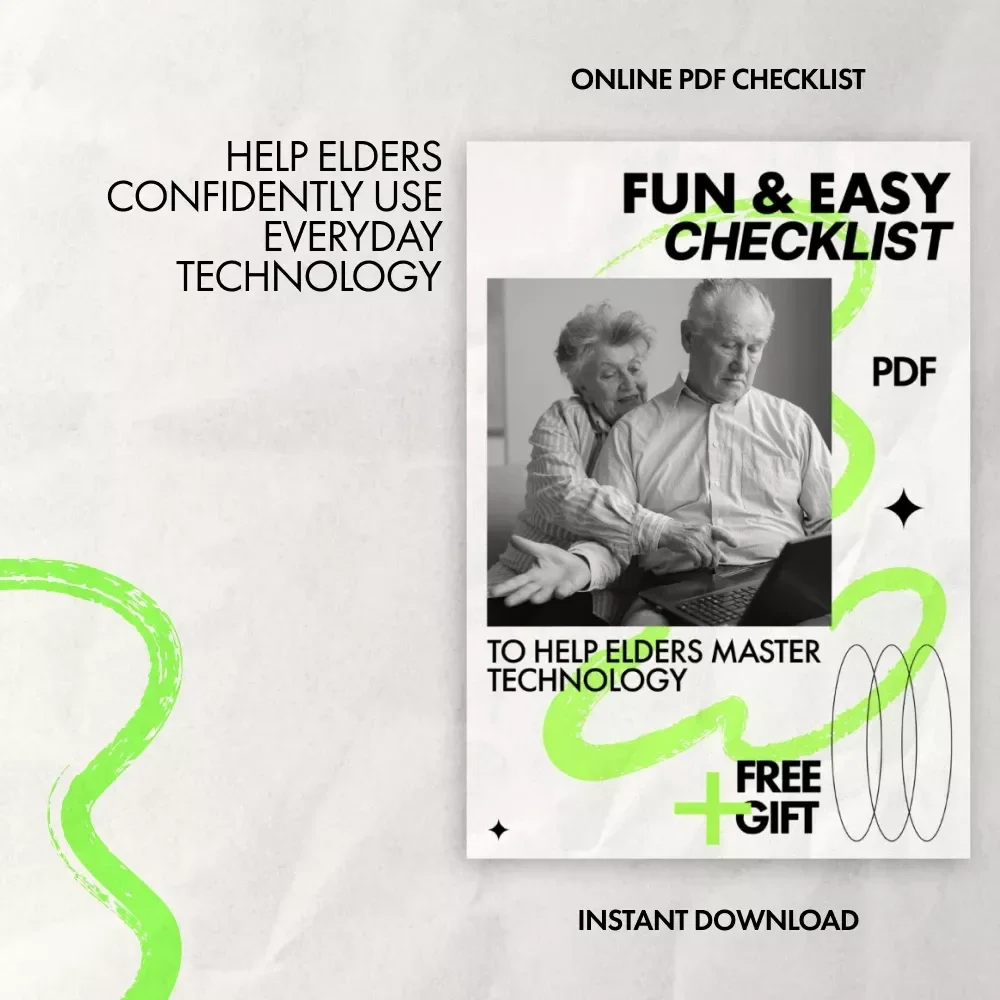
Helping seniors feel comfortable with modern technology doesn’t have to feel overwhelming—for you or for them. Fun & Easy Checklist to Help Elders Master Technology is a simple, friendly digital checklist designed to turn frustration into confidence, one small step at a time. Whether it’s learning how to use a smartphone, tablet, or laptop, this guide walks you through a calm, encouraging process that truly works. If you’ve been searching for practical advice on how to help elders to get used to gadgets, this checklist gives you a clear path forward without pressure or confusion.What’s Included in This Digital Checklist
- Step-by-step guidance for introducing elders to smartphones, tablets, or laptops
- Simple methods to organize apps, add shortcuts, and label key functions
- Gentle teaching techniques that build confidence instead of stress
- Tips for making technology relevant, fun, and engaging
- Easy-to-understand security and privacy basics
- Encouraging ideas for practice, troubleshooting, and celebrating progress
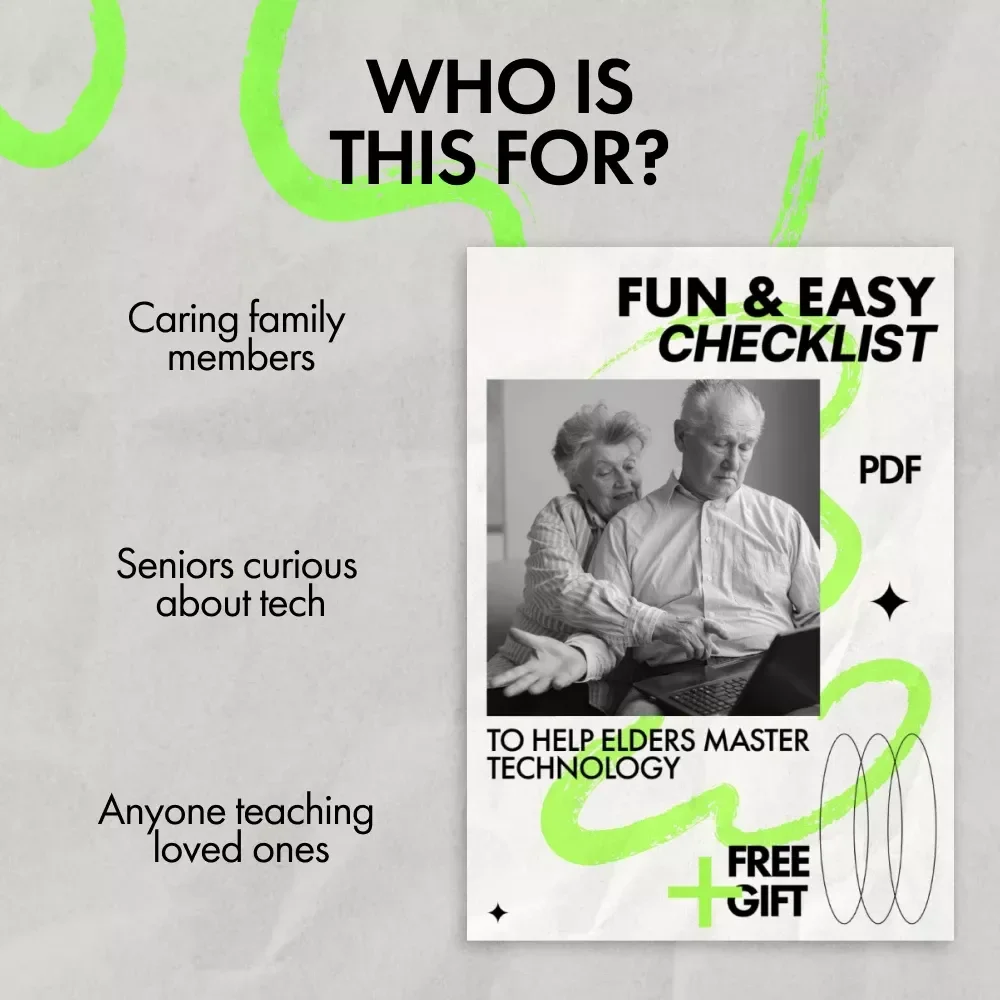
Who This Checklist Is For
This digital checklist is perfect for adult children, caregivers, family members, educators, or anyone supporting seniors who want to feel more comfortable with technology. It’s ideal if you’re patient, caring, and looking for a proven approach to how to help elders to get used to gadgets without overwhelming them.Why This Checklist Is Different
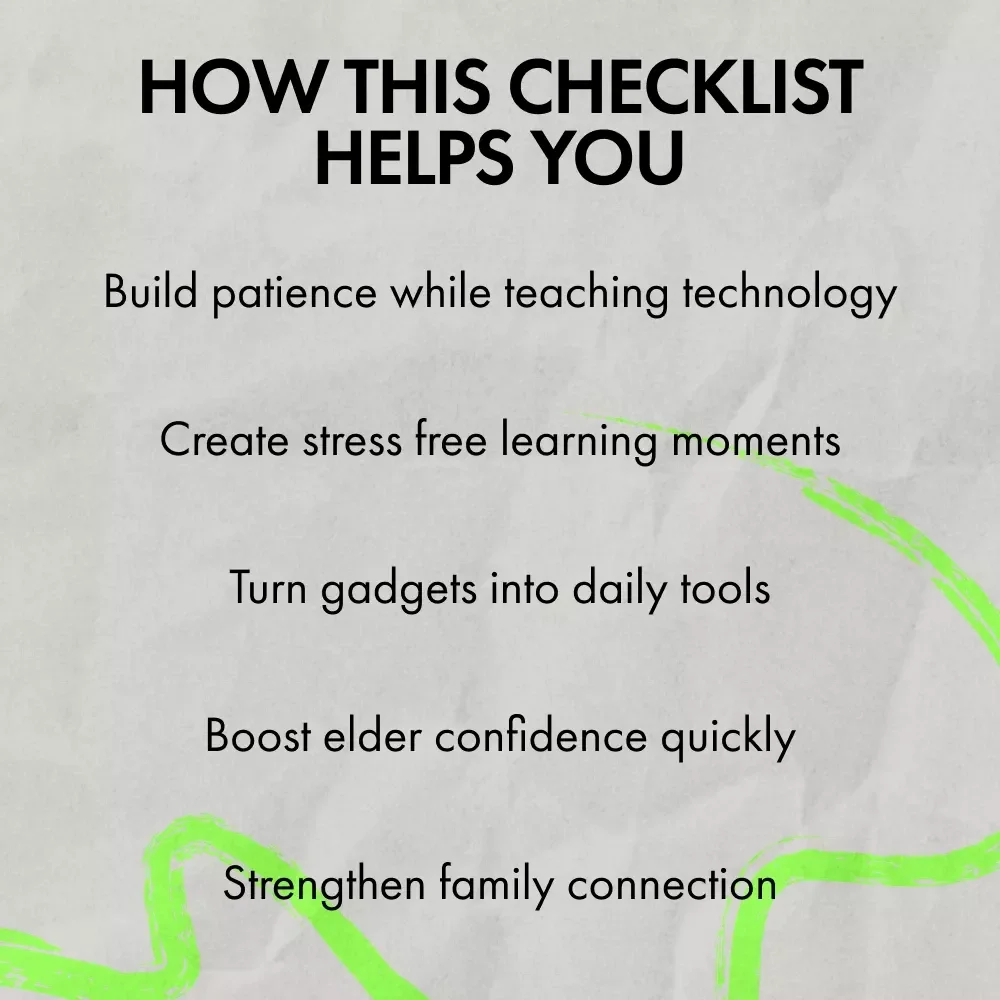
Unlike long, technical manuals or confusing tutorials, this checklist focuses on empathy, simplicity, and real-life use. It breaks learning into tiny, achievable wins and encourages shared moments, laughter, and connection. The goal isn’t just learning technology—it’s helping elders feel capable, included, and proud of themselves.The Benefits You’ll See
- Reduced frustration for both you and your loved one
- Increased confidence using everyday devices and apps
- Stronger connection through shared learning moments
- A clear, repeatable system you can return to anytime
Download Today and Start the Journey
Make technology a positive part of your loved one’s life. Download the Fun & Easy Checklist to Help Elders Master Technology today and finally feel confident knowing exactly how to help elders to get used to gadgets—with patience, encouragement, and results they’ll be proud of.Questions, answered
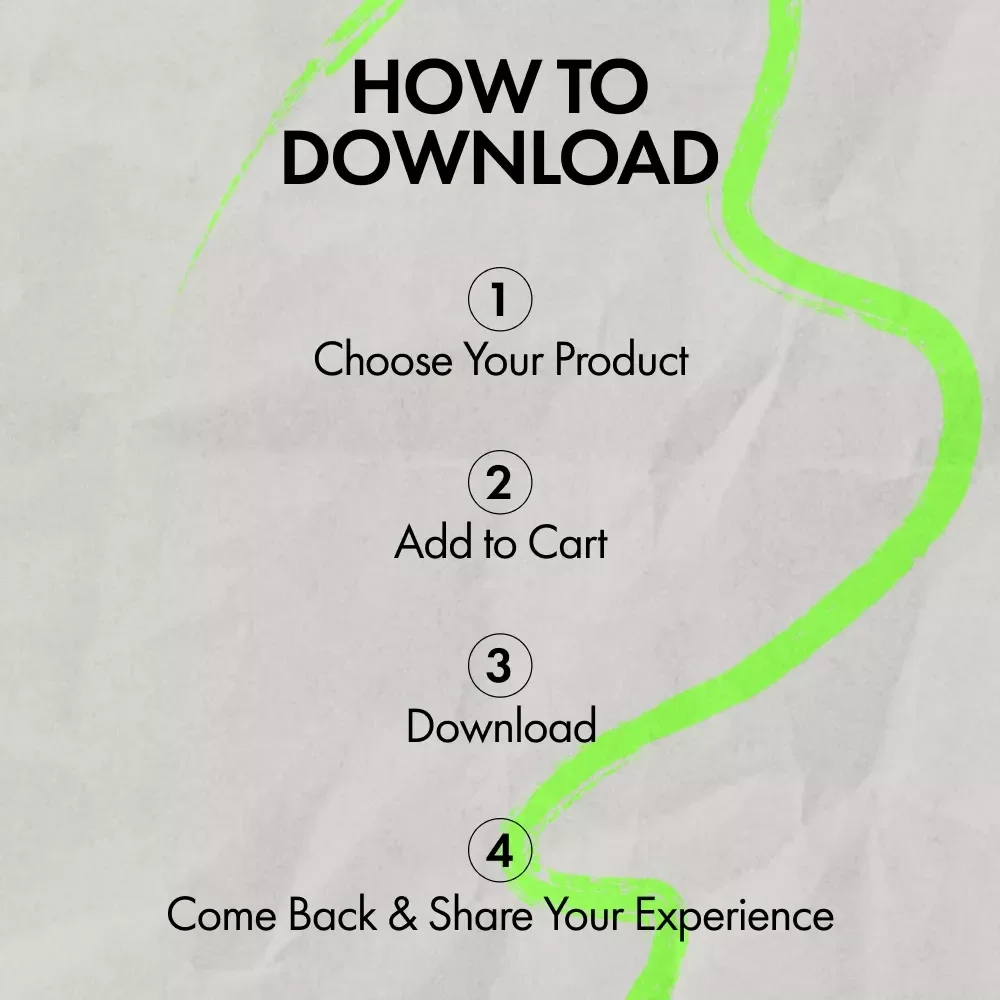
Instant Delivery
Upon purchase, you get immediate access via your personal account and a confirmation email.
Returns & Refunds
Refunds are handled under the store's Refund Policy. Within 30 days, a refund may be available if the product doesn't match its description or you can't access it. Once the files have been accessed, refunds for a change of mind aren't available.
Lifetime Updates
Your purchase includes access to all future updates at no additional charge.
Instant digital access on any device, with free lifetime updates.
Refunds are handled under the store's Refund Policy. Within 30 days, a refund may be available if the product doesn't match its description or you can't access it. Once the files have been accessed, refunds for a change of mind aren't available.