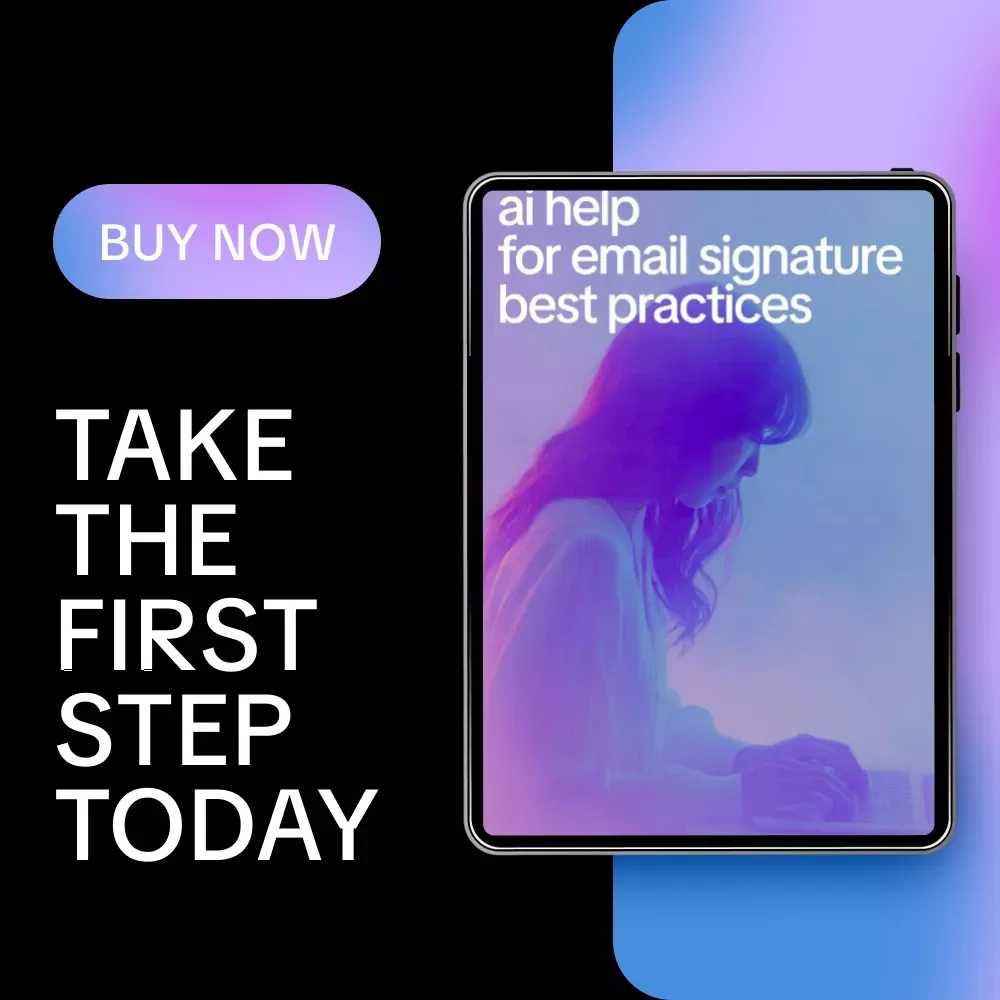
AI Help for Email Signature Best Practices – Ultimate Checklist for Clean, Professional, and Engaging Email Signatures


Elevate Your Email Game with AI Help for Email Signature Best Practices
Make every email you send look polished, professional, and engaging with our digital checklist: AI Help for Email Signature Best Practices. This easy-to-use guide is designed to help professionals, freelancers, marketers, and business owners craft email signatures that impress, communicate clearly, and enhance your brand image. Whether you're sending quick updates, client proposals, or newsletters, this checklist ensures your signature is always optimized for clarity, style, and impact. With AI assistance built into each step, you’ll get smart recommendations for trimming, formatting, and refining your signature so it looks clean and professional across all devices and platforms.Key Features & Contents
- Keep It Clear and Concise ✅ – Limit your signature to 4–6 lines, including essential info only. AI tips help you trim and polish effortlessly.
- Make It Visually Balanced – Use readable fonts, consistent sizes, and subtle separators. AI provides layout suggestions for maximum readability.
- Include Key Links Smartly – Add essential links like your website or LinkedIn without clutter. AI analyzes which links are most relevant for your audience.
- Add a Professional Sign-Off ✨ – Choose a friendly, brand-appropriate closing. AI recommends variations suited to your industry and role.
- Test Across Devices and Platforms ß© – Ensure your signature looks perfect on mobile, desktop, and various email clients. AI previews formatting and suggests adjustments.
- Track Performance (Optional) – Use tracking to see engagement on signature links. AI analyzes patterns and suggests improvements.
Practical Benefits
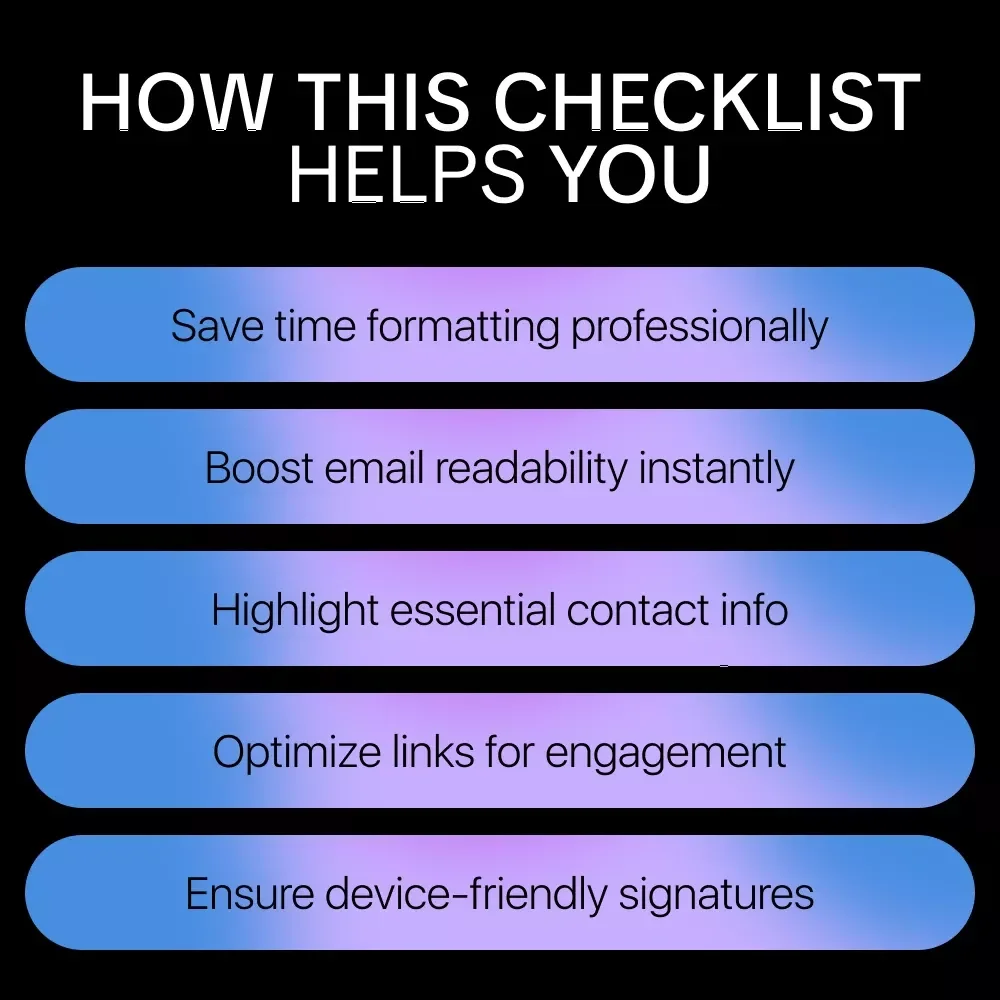
- Save time with AI-generated signature recommendations tailored to your role and audience.
- Enhance professionalism and brand consistency in every email you send.
- Reduce clutter while ensuring all key contact information and links are included.
- Improve readability and visual appeal across devices and email clients.
- Track link performance and optimize engagement with actionable AI insights.
Who Is This For?
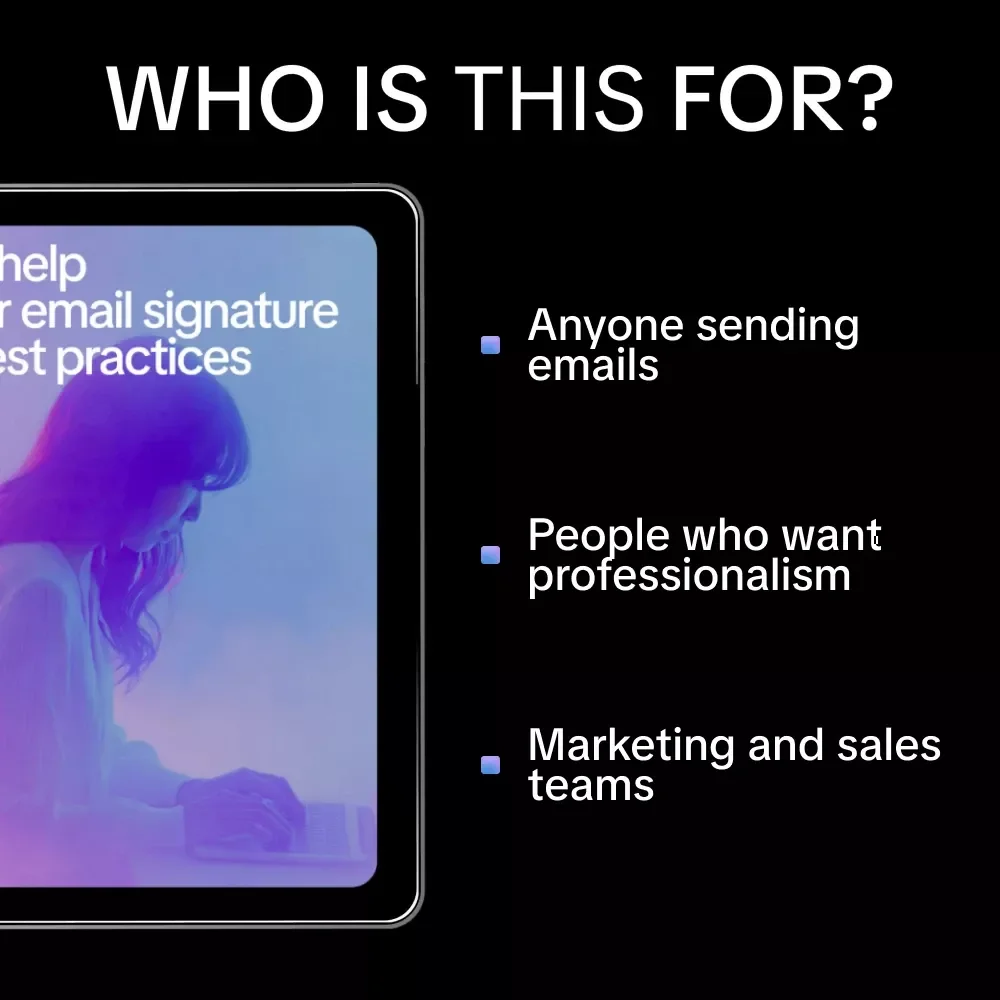
This checklist is perfect for professionals, entrepreneurs, marketers, and anyone who sends emails regularly and wants to stand out with a clean, effective signature. If you want to combine simplicity, professionalism, and AI-powered insights, this resource is for you.What Makes It Different?
Unlike other guides, AI Help for Email Signature Best Practices integrates AI-driven tips at every step, helping you craft signatures that are not only visually balanced and concise but also tailored for maximum engagement. It’s a practical, actionable checklist rather than a long, overwhelming eBook.Download Now
Upgrade your email signature today! Get your AI Help for Email Signature Best Practices checklist and start sending emails that leave a lasting impression. Download instantly and watch your professional communication transform.Questions, answered
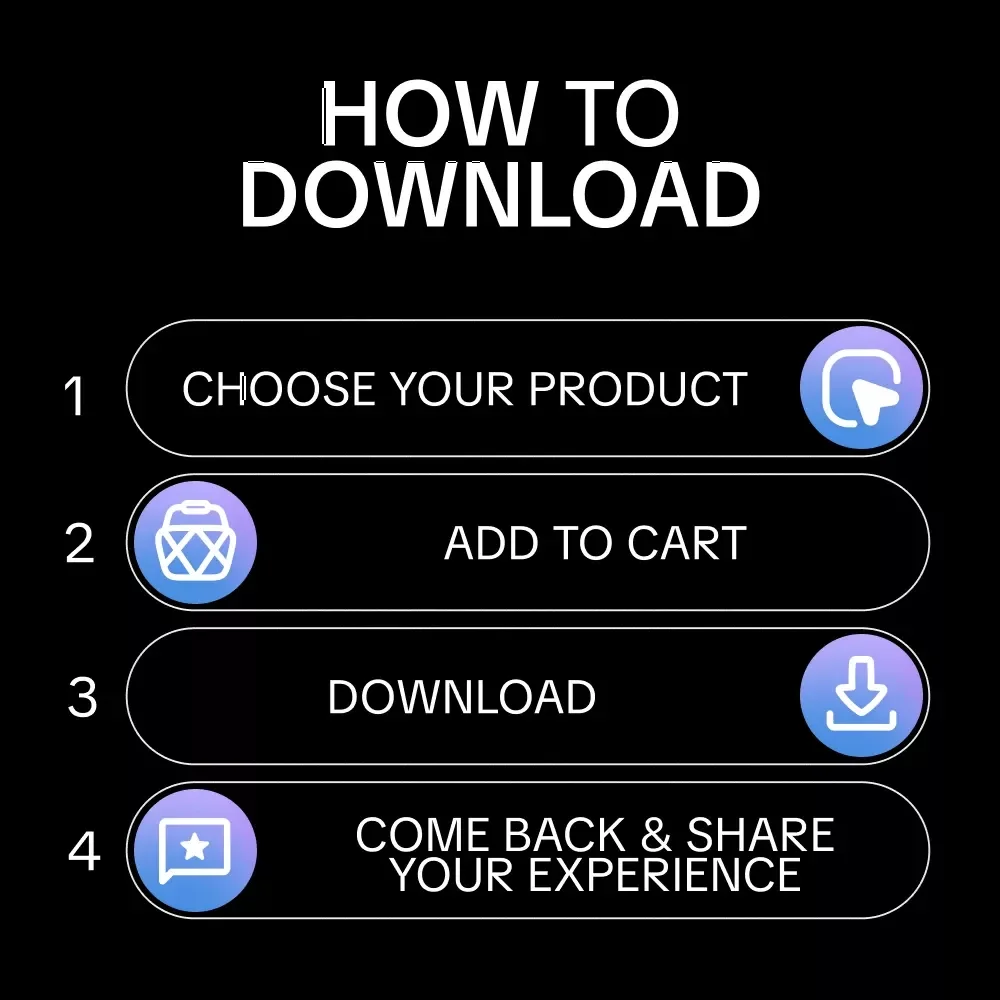
Instant Delivery
Upon purchase, you get immediate access via your personal account and a confirmation email.
Returns & Refunds
Refunds are handled under the store's Refund Policy. Within 30 days, a refund may be available if the product doesn't match its description or you can't access it. Once the files have been accessed, refunds for a change of mind aren't available.
Lifetime Updates
Your purchase includes access to all future updates at no additional charge.
Instant digital access on any device, with free lifetime updates.
Refunds are handled under the store's Refund Policy. Within 30 days, a refund may be available if the product doesn't match its description or you can't access it. Once the files have been accessed, refunds for a change of mind aren't available.